

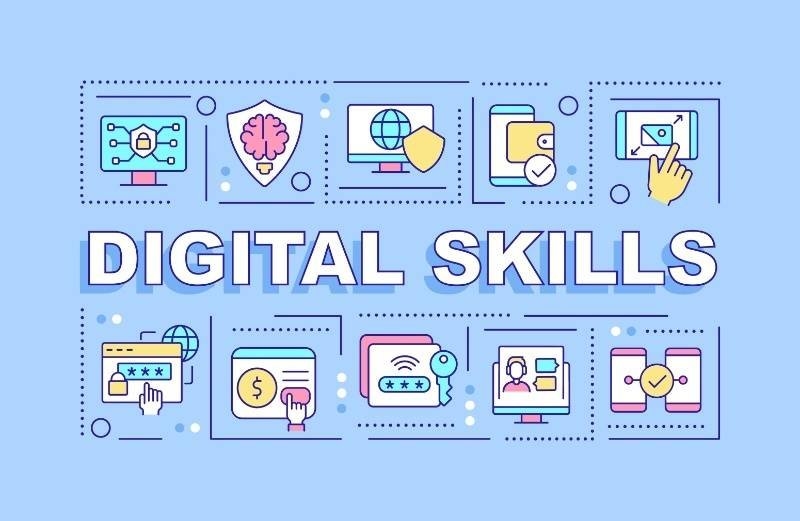
Here's a thing nobody really argues about anymore: if you can't navigate basic technology, you're going to have a harder time doing pretty much anything. Job applications, doctor's appointments, splitting a bill with friends—all of it runs through some app or website now. Digital skills stopped being a "nice to have" a while back.
And no, you don't need to be some coding prodigy. Most of what actually matters is far more practical than people assume. A handful of technology skills, some patience, and a willingness to Google things when you're stuck will get you 90% of the way there.
Because avoiding technology just isn't really an option anymore, that's the short answer. Retail jobs run on inventory software. Teachers post grades online. Even a lot of freelance work lives inside apps now, not paper invoices tucked in a drawer somewhere.
When you don't have basic technology skills, small stuff turns into big annoyances. A filled-out form takes twenty minutes instead of two. A video call drops because nobody checked the mic beforehand. Get comfortable with the basics, though, and a lot of daily friction just disappears.
Start simple. Don't try to learn everything at once; that's a fast way to burn out and quit.
Before anything else, get solid on:
None of this is glamorous. But skip it, and everything downstream gets harder.
AI literacy blew up fast, and job postings noticed. But here's the thing: most people overthink this. You're not being asked to understand how a model works under the hood. You just need to use the tools without shooting yourself in the foot.
That means being able to:
Companies aren't looking for AI experts. They're looking for people who won't panic or get replaced by someone who knows how to use ChatGPT better than they do.
People assume they're good at this because they text all day. Different thing entirely. Digital communication at work means:
This overlaps more than people expect with things like negotiation skills, honestly. Half of getting what you want online is just communicating clearly enough that nobody misreads you.
You don't need to become paranoid. You just need a few habits that keep you off the easy-target list.
Five minutes now. Saves you a genuinely miserable week later.
Job listings have gotten specific. They're not saying "computer skills" anymore; they're naming tools:
You don't need all of these. Pick whatever shows up most in your field and get comfortable there.
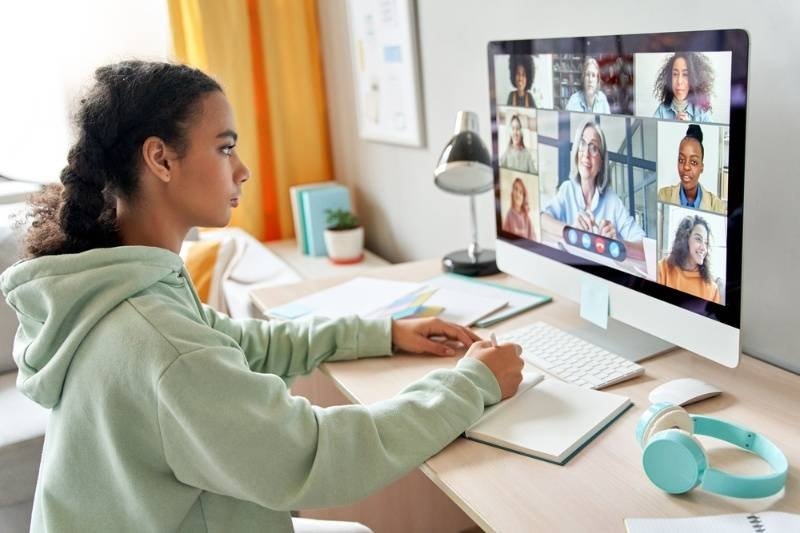
Mostly, yeah. Online learning works because it's flexible and cheap, sometimes free, and you're not stuck sitting in a classroom pretending to keep up.
Don't wait around looking for the "best" course. Just pick something reasonable and go.
This one gets overlooked, but it matters more than people give it credit for.
It's a good way to stand out, whether that's a school project or a pitch at work. There's a similar confidence at play here as in public speaking, where the delivery matters as much as the content itself.
Don't try to fix everything this week. Pick something small.
It adds up faster than you'd expect. Give it a few months, and you'll notice you've stopped Googling things you used to struggle with.
Nobody finishes "learning digital skills." That's not really how it works. Technology keeps changing shape, and honestly, staying flexible about that might matter more than any single skill on this list.
Start small, focus on what's actually useful to you, and don't worry about mastering everything at once. Keep learning a little, keep going.
Also Read: Learn Mediation Skills for Better Conflict Resolution
Being comfortable with day-to-day devices, having basic AI literacy, solid cybersecurity practices, being able to communicate clearly online, and knowing your way around things like spreadsheets, plus cloud storage
Start with a free AI chatbot, maybe try drafting an email or rewriting a short message. Give it clear prompts, and then double-check what it outputs, ok
They really do work, especially if you are starting out. The better ones lay it out step by step, and plenty are free or pretty cheap
Keep it simple: strong passwords, two-factor authentication, careful reading when emails feel urgent, and doing a privacy check now and then
Most of the time, no. Many employers only ask for familiarity with everyday tools like email, spreadsheets, and video calls
This content was created by AI